



DESCRIPTION
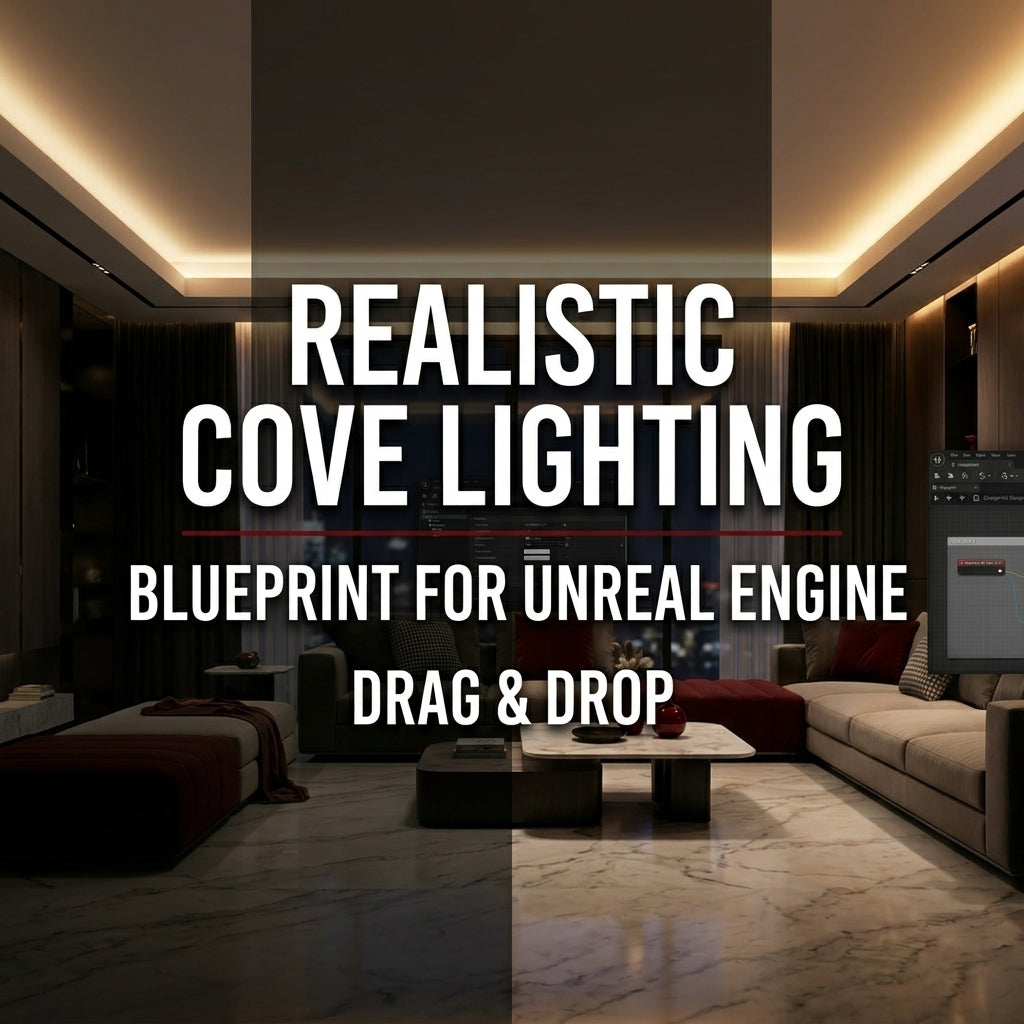
Lighting is one of the most important parts of any architectural visualization project. Creating realistic cove lighting manually inside Unreal Engine can take a lot of time and often requires multiple lights, complicated placement, and repeated tweaking.
The BLUEPRINT COVE LIGHT for Archviz Scene in Unreal Engine solves that problem.
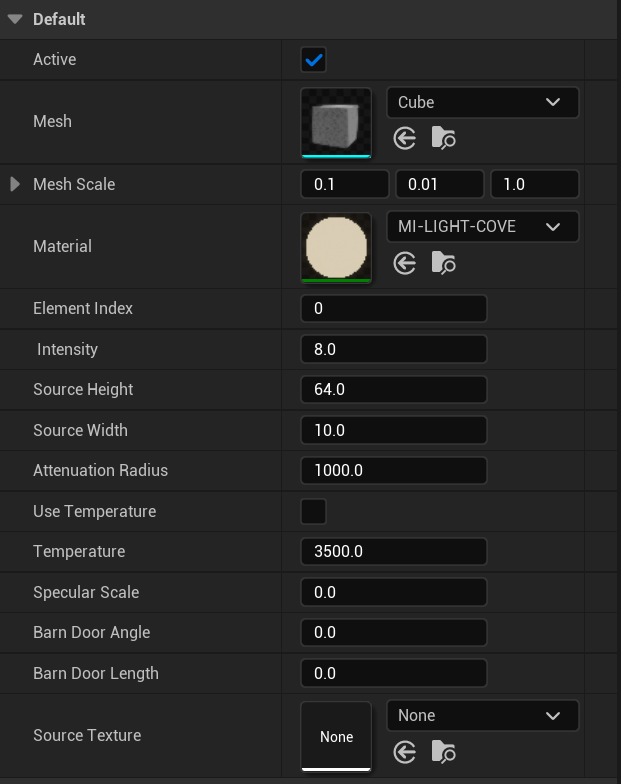
This ready-to-use Blueprint allows you to quickly create realistic cove lighting inside your interiors with complete control over:
- Length
- Width
- Light intensity
- Color
- Temperature
- Falloff
- Shadow settings
- Emissive glow
- Placement and rotation
Simply drag the Blueprint into your scene and customize it from the Details panel.
Whether you are creating:
- Luxury living rooms
- Modern bedrooms
- Hotel interiors
- Office spaces
- Retail showrooms
- False ceiling designs
- Premium apartments
this Blueprint helps you achieve a polished and premium look much faster.
The system is optimized for Unreal Engine archviz scenes and works especially well with:
- Lumen
- Baked Lighting
- Path Tracing
- Realtime walkthroughs
- VR experiences
Key Features
- Fully editable Blueprint
- Easy drag-and-drop setup
- Adjustable cove light length and width
- Realistic indirect lighting effect
- Supports warm and cool lighting
- Optimized for interior archviz scenes
- Works with Lumen and baked lighting workflows
- Path Tracing ready
- Clean and organized Blueprint setup
- Beginner friendly
- Lightweight and performance optimized
- Perfect for luxury and modern interior scenes
What You Will Get
- 1 Blueprint Cove Light Actor
- Example material setup
- Adjustable light controls
- Example scene for demonstration
- Documentation / quick-start instructions
Ideal For
- Unreal Engine Archviz Artists
- Interior Designers
- Realtime Visualization Studios
- Freelancers
- VR Interior Experience Creators
- Students learning Unreal Engine lighting
Technical Information
- Engine Version: Unreal Engine 5.x
- Platform: Windows
- Blueprint Type: Actor Blueprint
- Nanite Compatible: Yes
- Lumen Compatible: Yes
- Path Tracing Compatible: Yes
- VR Compatible: Yes
Product Highlights Section
Why This Product?
Unlike manually placing multiple point lights or spotlights, this Blueprint gives you a faster and cleaner workflow. It helps you save hours while achieving a more professional result.
Save Time
Create beautiful cove lighting in under a minute.
Better Visual Quality
Make your archviz scenes feel more premium, realistic, and expensive.
Flexible Controls
Easily customize the light to fit any interior design style.
What Is Included & Delivery Format
Instant Digital Download: Production-ready Unreal Engine ArchViz asset from 3darchstuffs, delivered immediately after checkout.
Frequently Asked Questions
How will I receive this product after purchase?
Your download link is available immediately on the order confirmation screen and sent to your checkout email. Need help? Email info@3darchstuffs.com.
What is the difference between a Free Demo EXE and a Complete Project?
A Free Demo EXE is a compiled Windows walkthrough only (no source project files). A Complete Project includes the editable Unreal Engine project, materials, lighting, and assets.
Can I use this for commercial client presentations?
Yes, single-seat commercial project visualization use is included for your client presentations and renders. Redistribution or resale of raw source files or plugins is prohibited.
Where can I read full licensing and refund terms?
Visit our FAQ page, Digital Delivery Policy, and Refund Policy.